








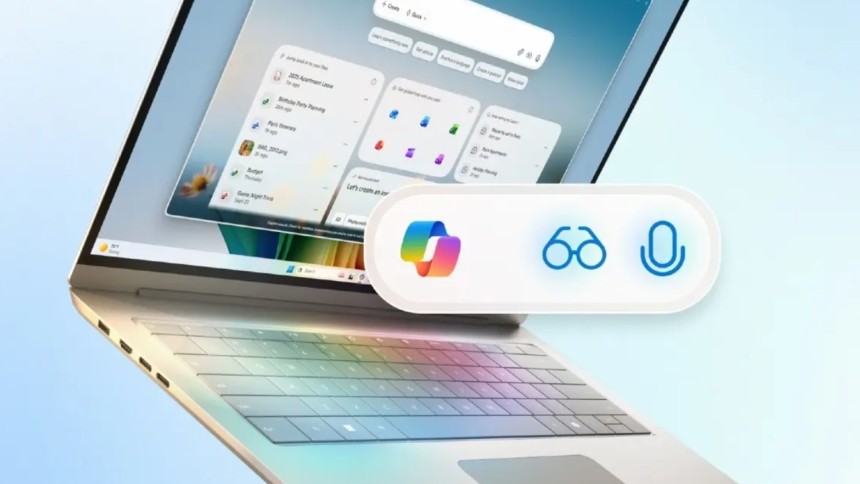
Microsoft is officially transforming Windows 11 into an intelligent, agentic operating system powered by AI. The latest update introduces hands-free “Hey Copilot” voice activation, Copilot Vision, and a general-purpose AI agent capable of performing tasks directly on your PC.
With the new “Hey Copilot” wake word, users can interact naturally with Windows 11 using their voice — asking questions, giving commands, or even saying “Goodbye” to end the session. The long-tested feature is now rolling out to all Windows 11 devices.
At the same time, Copilot Vision brings real-time on-screen understanding. It can view the entire display, provide step-by-step visual assistance, and even highlight where to click — extremely useful for tasks involving Office documents like Word or Excel.
Microsoft is also introducing a redesigned “Ask Copilot” search bar on the Windows 11 Taskbar. It combines local search with Copilot’s voice and vision features, allowing you to find files, apps, and settings instantly. The company clarified that Copilot relies on Windows APIs and doesn’t access private data.
In a major leap, Microsoft is testing a general-purpose AI agent within Windows 11 that can perform local operations such as moving files, extracting data from PDFs, or creating PowerPoint slides via Copilot Actions. These actions run in a virtual environment, letting users monitor or intervene at any time.
Additionally, Manus AI — previously seen in China — is being integrated with File Explorer, enabling users to right-click a document and turn it into functional outputs like websites. It will also ship as a standalone app.
Through Model Context Protocol (MCP) and Copilot Connectors, users can link external services like Outlook, Gmail, Calendar, and OneDrive to streamline actions across platforms.
By combining voice, vision, and action capabilities, Microsoft is positioning Windows 11 as an AI-powered agentic platform, extending Copilot features beyond Copilot+ PCs to every Windows 11 machine.