








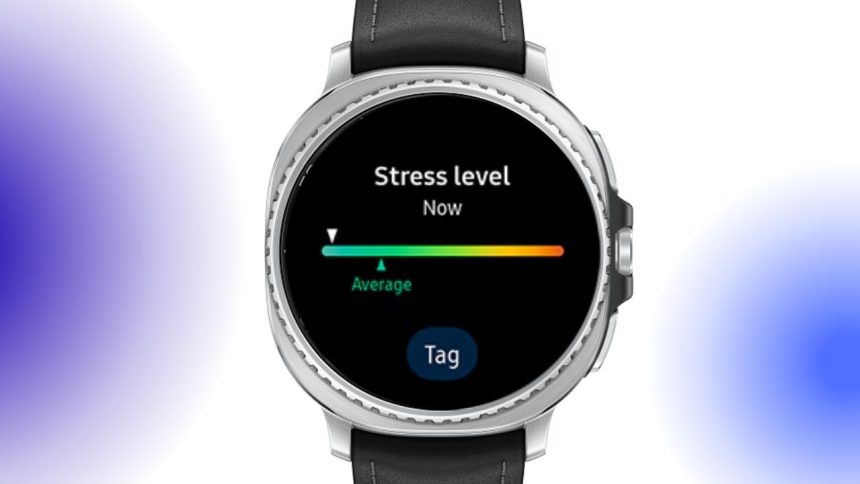
Samsung Galaxy Watch users are reporting a curious issue following the rollout of One UI 8 Watch — frequent stress alerts appearing even when they feel completely calm. The reports are widespread, with users of the Galaxy Watch 7 and Galaxy Watch 8 noticing multiple high-stress warnings per day since installing the new update.
Stress Alerts Gone Haywire
The Galaxy Watch’s built-in stress tracking feature is designed to help users manage their wellbeing. It measures biometric signals like heart rate variability to estimate stress levels and then sends alerts if it detects elevated readings.
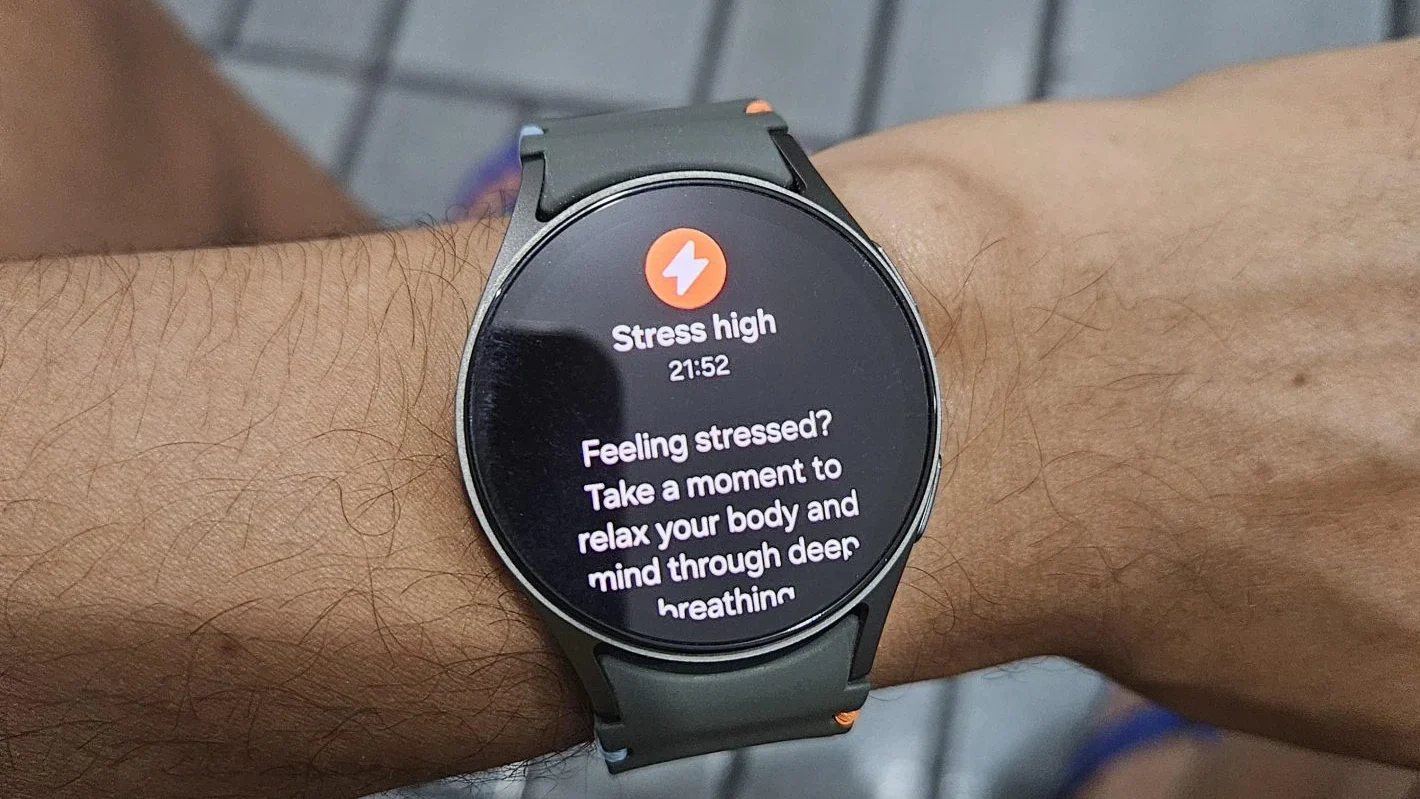
However, after the One UI 8 Watch update, many users are receiving alerts that don’t match how they actually feel. Some say they get notifications while simply sitting, watching TV, or taking a walk — hardly stressful activities. Ironically, for some, these unnecessary alerts are causing stress rather than reducing it.
Reports Link Issue to One UI 8 Watch
User feedback on Reddit and tech forums suggests the false alerts began only after the One UI 8 Watch software update. A report from Android Authority, both the Galaxy Watch 7 and Galaxy Watch 8 show the same behavior, while it’s unclear whether the Galaxy Watch 8 Classic or Galaxy Watch Ultra are affected.
Samsung hasn’t yet commented on the issue or confirmed whether it’s a bug introduced with the update. For now, users experiencing the problem can either ignore the alerts if they feel fine or follow the breathing and relaxation recommendations built into the app to see if that recalibrates the readings.
Temporary Workarounds
If your Galaxy Watch is sending frequent false stress notifications, here are a few quick fixes to try:
- Recalibrate sensors: Restart your watch and perform a manual stress check.
- Update Samsung Health: Make sure the companion app on your phone is updated.
- Reset stress tracking data: Clear historical stress readings in the Health app to reset baseline data.
- Disable stress alerts temporarily: You can turn off automatic stress notifications under Samsung Health → Settings → Stress Management.
While the stress monitoring feature is one of the Galaxy Watch’s most useful tools for wellbeing, accuracy is key. Until Samsung addresses the issue in a patch or statement, users may want to treat these alerts with skepticism — and rely on their own sense of calm over what their watch says.