








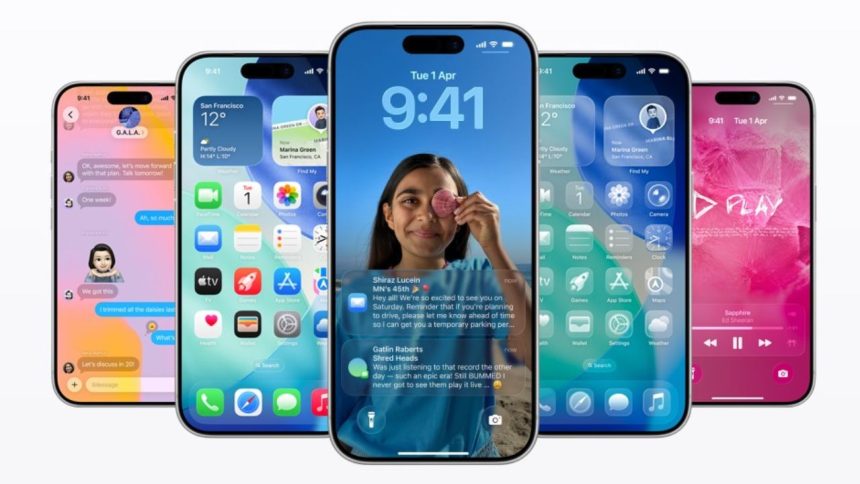
iOS 26 is Apple’s biggest iPhone software update yet, introducing a sweeping redesign, a host of AI-powered tools, and powerful upgrades for daily usability and personalization.
Liquid Glass Redesign
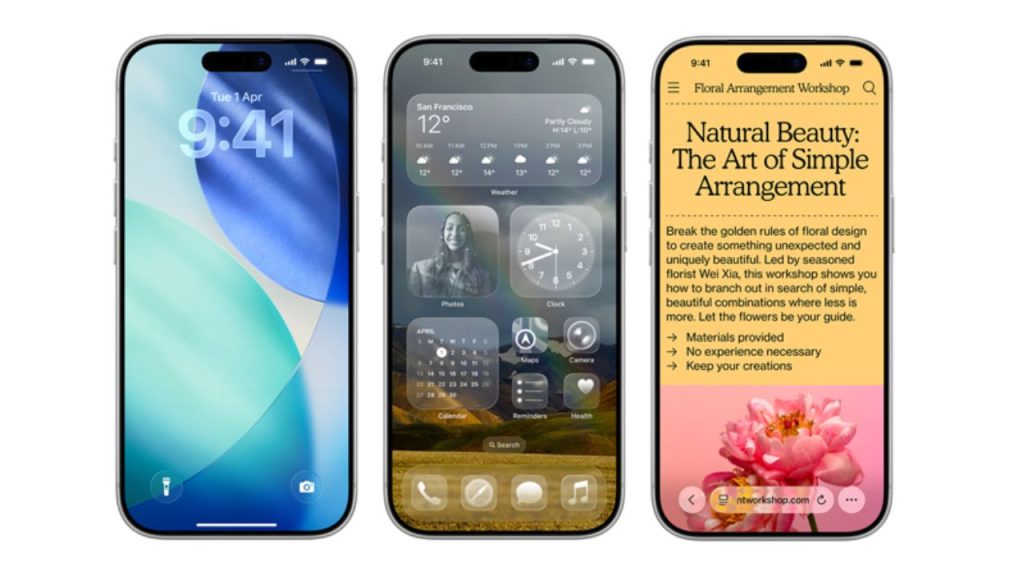
The most visible change is the striking Liquid Glass design. This brings translucent, glass-like elements and dynamic motion to the Lock Screen, Home Screen, Control Centre, and UI menus. App icons now offer multiple styles, such as light, dark, color-tinted, or fully transparent “glass” effects, which can be mixed and matched for a personal aesthetic. UI controls, like music players and notification banners, reflect and refract their surroundings for an immersive experience.
Smarter Lock Screen and Home Customization
The lock screen now adapts in real-time with 3D effects that let clock text and notification banners respond dynamically to wallpapers and device movement. Widgets and background customizations provide deeper personalization. Users can also change the size and position of the lock screen clock, allowing for more flexible layouts.
Apple Intelligence Integration
Apple Intelligence, the system-wide AI, expands throughout iOS 26. Visual Intelligence enables searching across your entire screen. In apps like Reminders, AI can suggest tasks and follow-ups based on emails or messages. Real-time translation—live in calls, texts, Messages, and FaceTime—supports multiple languages and uses AI for natural voice rendering. These features generally require iPhone 15 Pro or newer.
Communication Upgrades: Phone, Messages & FaceTime
- Call Screening: iOS 26 screens unknown callers, asking them to identify themselves before ringing and letting users decide whether to answer.
- Hold Assist: When waiting on hold, the system monitors the line and notifies when a live agent is available.
- Polls in Messages: Group chats support quick polls, making plan coordination seamless.
- Spam Filtering: Unknown texts and spam get filed in a separate folder, keeping the main inbox clean.
Live and Automatic Translation
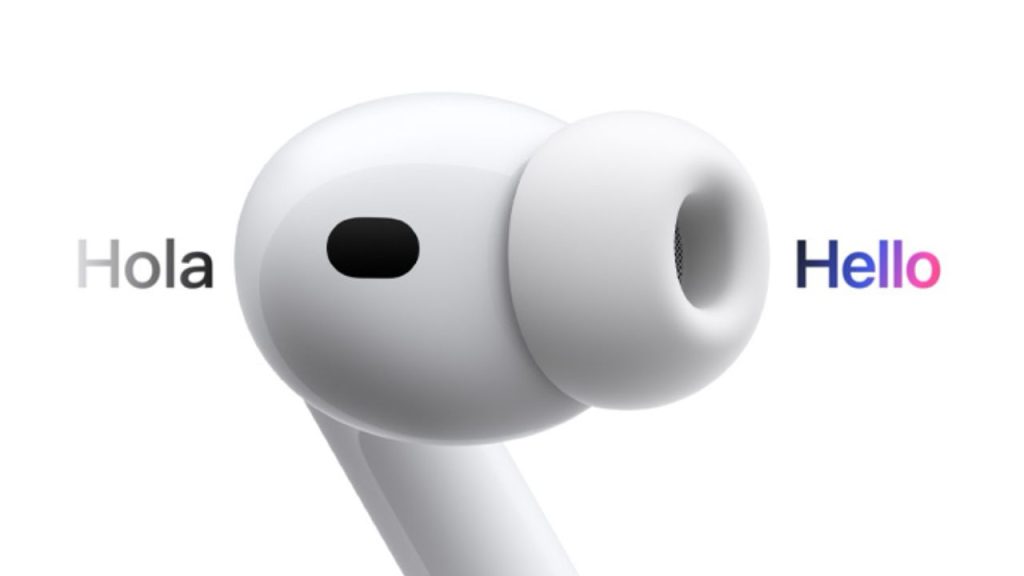
Automatic translation appears throughout the system. Conversation, texts, and even FaceTime calls can be translated in real-time across as many as eight languages. Live captions bring instant subtitles to calls, operating entirely on-device for privacy. AirPods users (AirPods Pro 2 or newer) get translation spoken directly into their ears.
Other Key Features
- Photos: Updated with a new layout, tabs for “Library” and “Collections,” and a spatial mode to turn favorite images into 3D scenes.
- Customizable Alarms: Set snooze to any duration between 1-15 minutes for daily alarms.
- Journaling: Multiple separate journals, inline photos, and entry mapping for geotagged memories.
- Family & Accessibility: Expanded accessibility features, motion cues, and customizable reading experiences. Improved family controls allow easier management of child devices and accounts.
- Apple Music, Maps, Wallet: Enhanced controls and personalization, evolution across payments, navigation, and playlists.
- CarPlay: Live Activities integration, Tapback in Messages, and more info at a glance while driving.
Device Compatibility
iOS 26 supports iPhones 11 and newer, including iPhone SE (2nd generation). Some advanced Apple Intelligence features need iPhone 15 Pro or later.